Capture it.
Open the camera, take a photo, keep it. New captures stay directly in SeparaPics.
Today’s parking ticket. Tomorrow’s idea. Capture it in SeparaPics – and keep your photo library for the memories you love.

Some photos are simply reminders. SeparaPics gives those pictures a place of their own.
Open the camera, take a photo, keep it. New captures stay directly in SeparaPics.
Front, back and a close-up: group several photos in one note and add your own words.
Organize with tags and search notes, places or text recognized in your images.
Tags, grouped photo notes and timers help you stay organized.
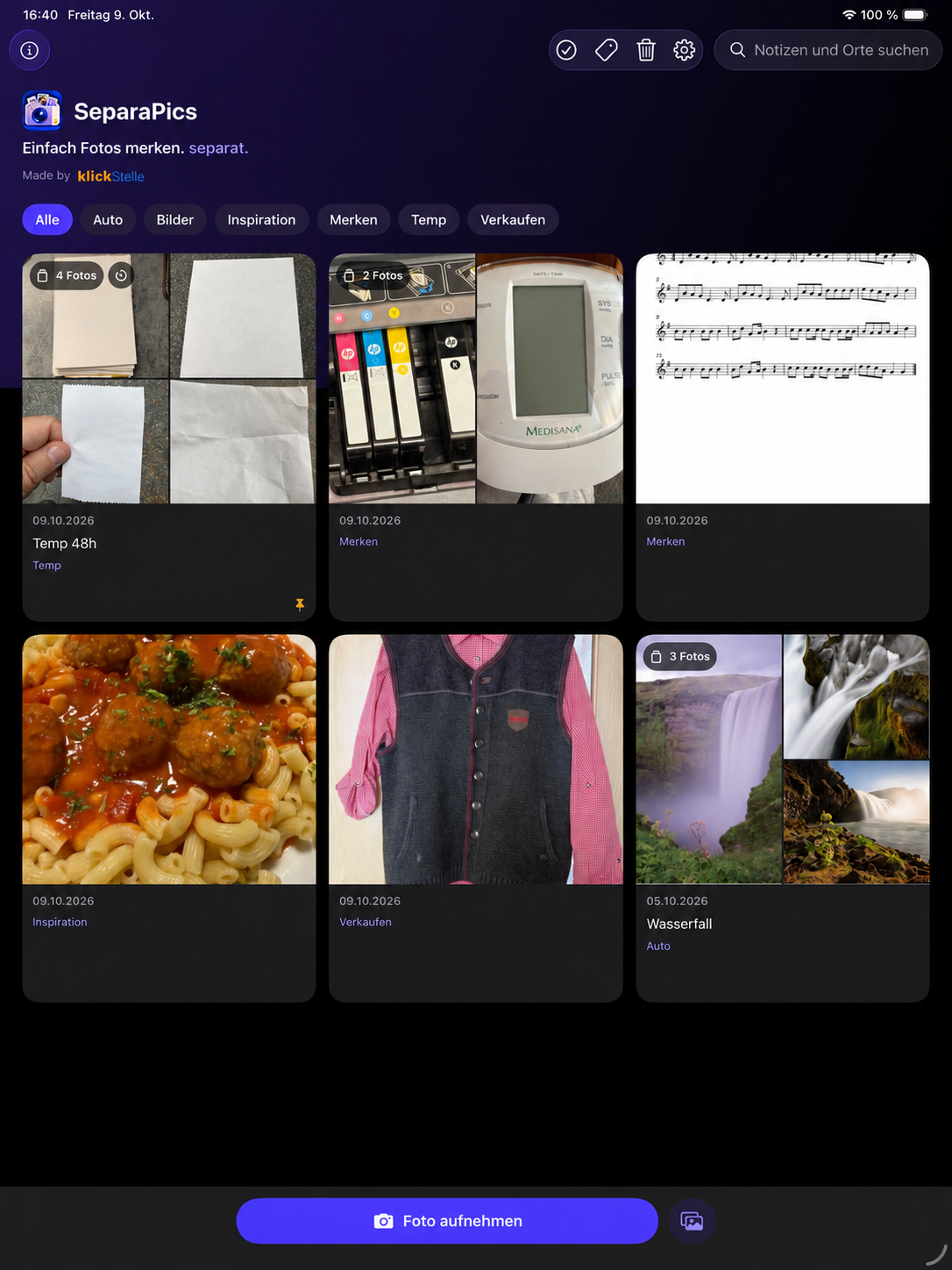
Tags and grouped notes at a glance.
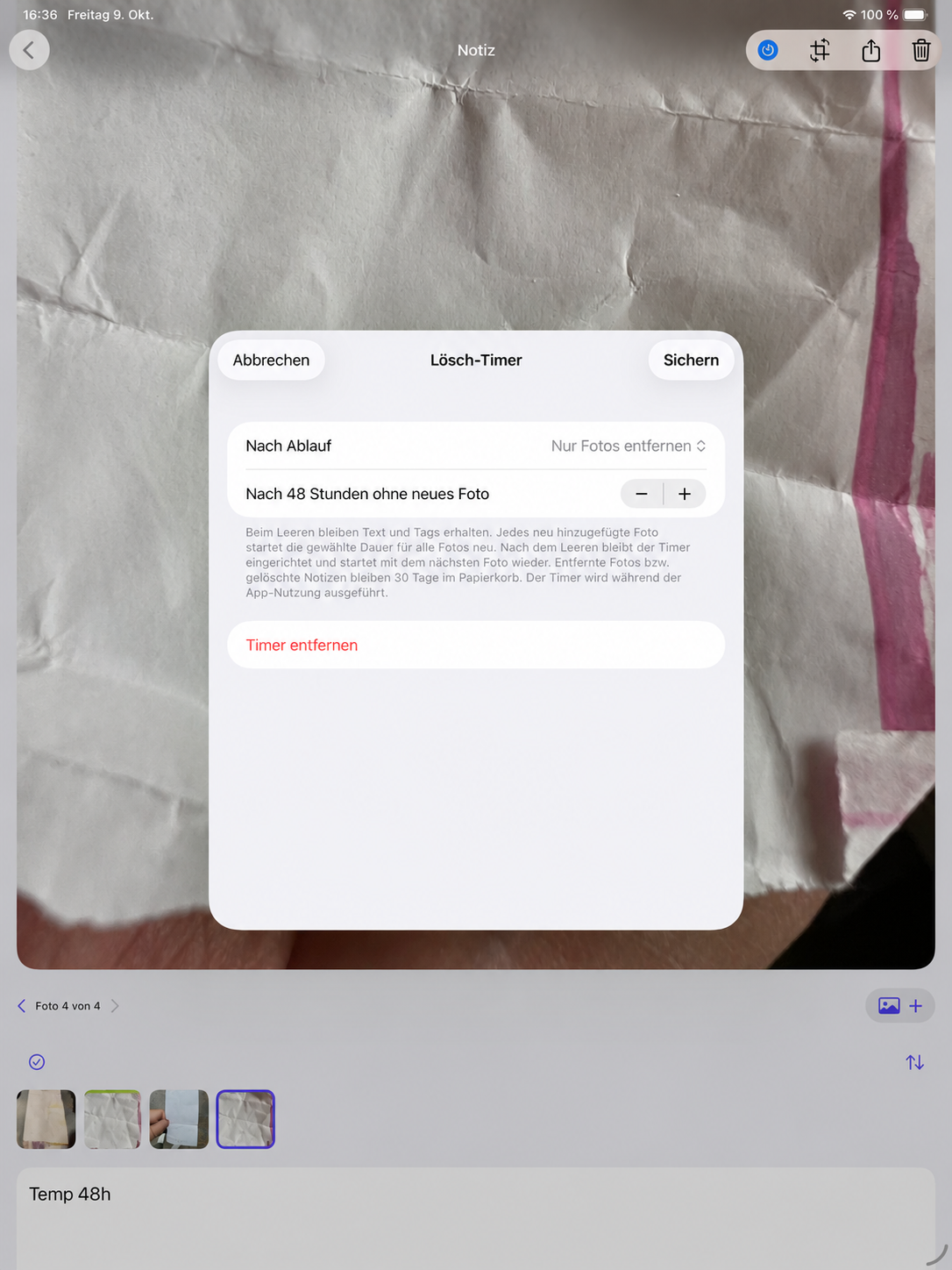
A timer automatically removes photos or entire notes.
Captures, tags and notes in a compact view.
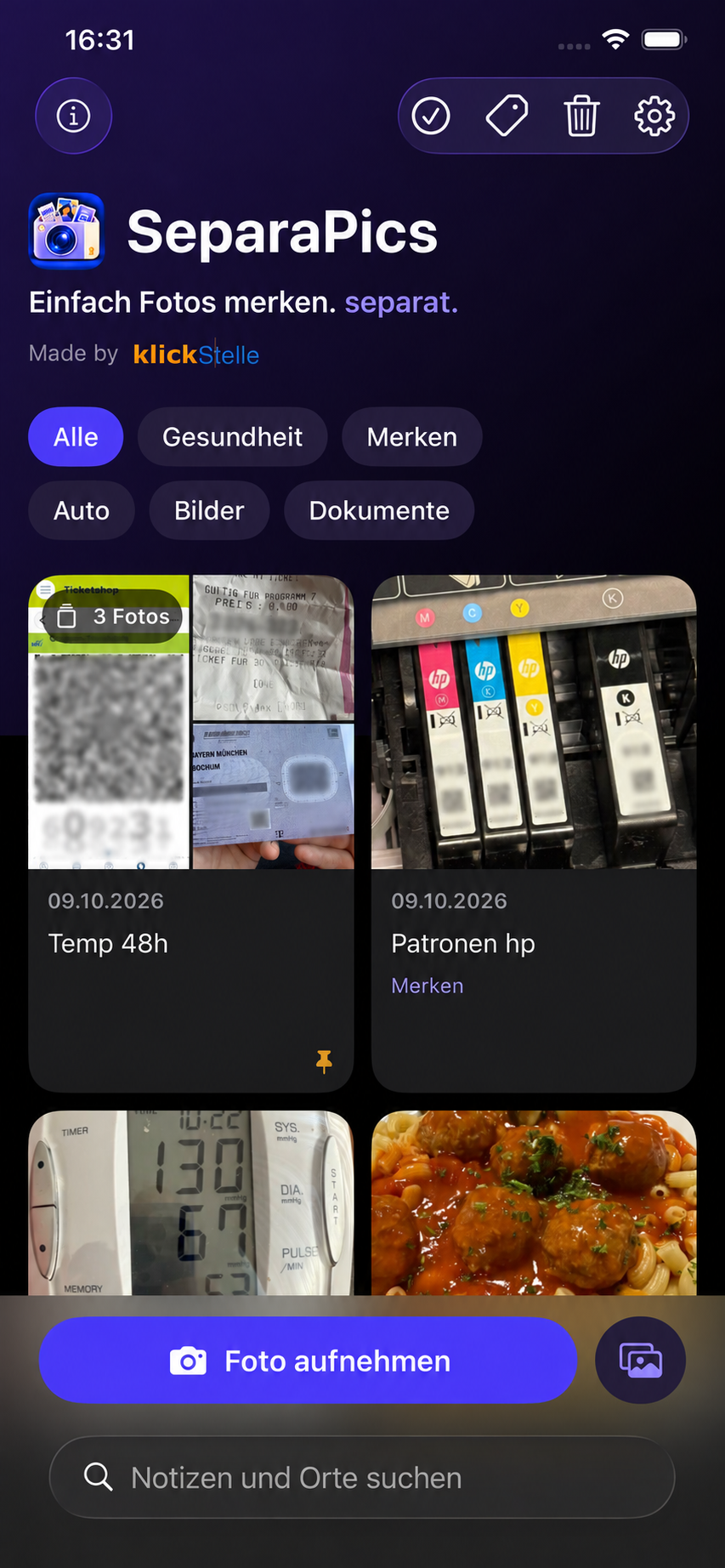
Tags, grouped notes and timers right on iPhone.
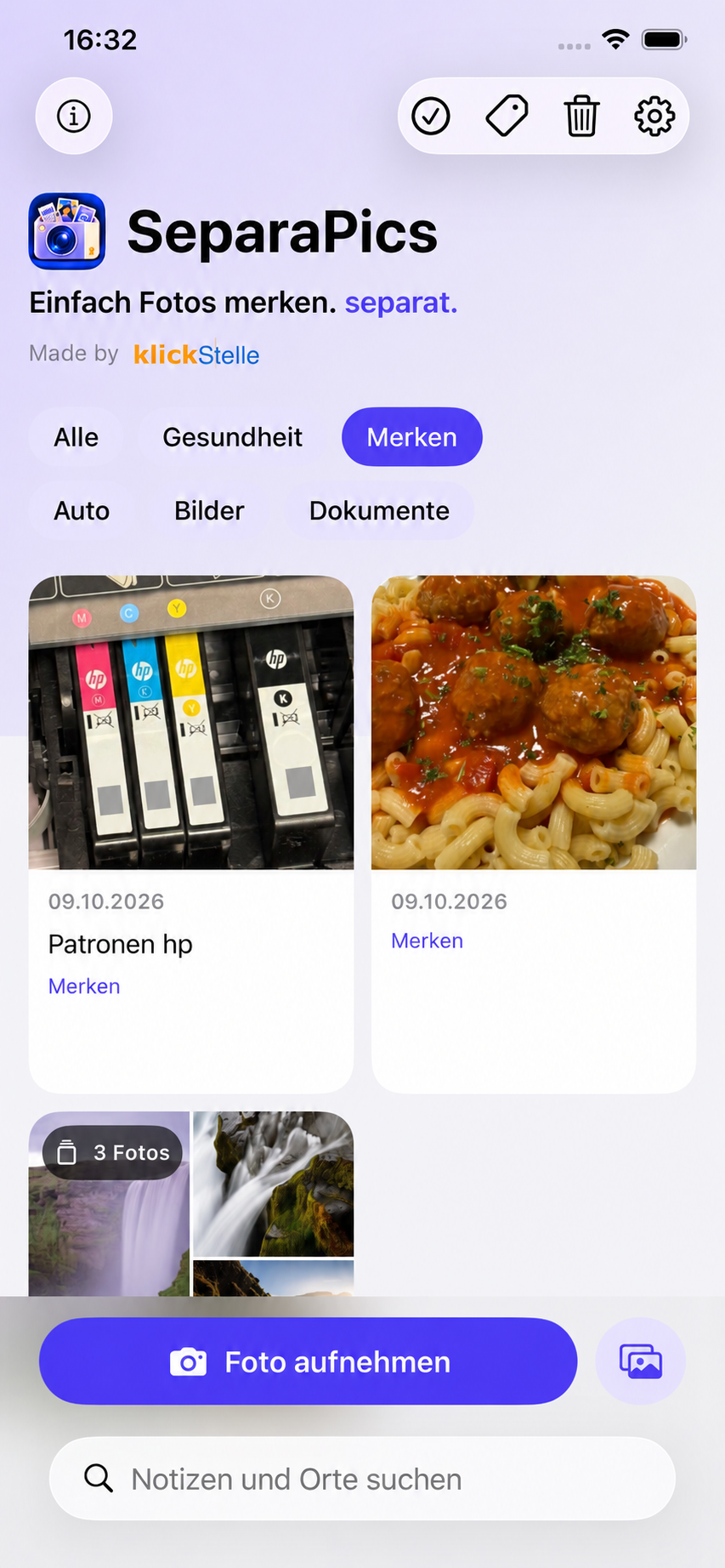
Individual photos and multi-photo notes stay easy to browse.
Receipts, notes, products and spontaneous ideas get their own collection. You decide what to share or export to Apple Photos.
One receipt. Two product photos.
All together. All within reach.
Timers remove photos or entire notes. Adding a photo to a temporary collection note restarts its timer. Cleanup runs while using the app or when you open it again.
Optionally protect the app with your own PIN and Face ID or Touch ID.
Sync your collection through your iCloud account. On iPad, add images with drag and drop, too.
Rotate, crop, enhance and share. Or restore the unedited original.
Planned launch price for a one-time app purchase.
Availability and final local pricing will appear on the App Store at launch.
No. Photos taken directly in SeparaPics stay in the app. They only go to Apple Photos when you explicitly export them.
Yes, using the photo picker, share menu or drag and drop. You can then choose to delete originals. Shared or dropped images may need to be matched to originals and confirmed by you first.
No separate SeparaPics account is needed. Synchronization between devices uses your iCloud account.
Deleted content goes to the trash, where you can restore it or delete it permanently. After 30 days it is removed during the next cleanup.